










- Home
- AutoCAD
Precision Drafting: AutoCAD Professional Mastery
Master the industry standard for 2D and 3D drafting and design. Learn precision drawing, geometric construction, and industry-specific documentation to excel in civil, mechanical, and architectural engineering roles globally.
Why Upskill Aura?
Your career deserves more than just theory. We provide a guaranteed pathway to high-demand tech jobs, combining world-class, project-based learning with dedicated mentorship and the most valuable asset in the job market: real-world work experience.
Professional Certifications
Industry Relevant Projects
LMS Access
Internship Experience
Distinguished Mentors
Live Training sessions
Program Launchpad
This highly practical training focuses on achieving speed and accuracy in design. You will master professional workflows, advanced 3D modeling, and creating industry-compliant drawings and output, ensuring you meet the drafting and visualization needs of any top engineering or construction firm.
A certified CAD Designer or Drafter in India typically starts between ₹2.0 LPA and ₹3.5 LPA. While the average salary may appear modest, mastering advanced features like 3D modeling and industry standards significantly increases earning potential.
Yes. The course ensures complete mastery of 2D drafting, including layers, blocks, and Xrefs. Critically, you will also be trained in 3D solid and surface modeling, advanced visualization, and proper rendering techniques for portfolio display.
We emphasize drawing management, layout, and annotation to meet global industry standards (e.g., ASME/ISO). This includes precision dimensioning, accurate plotting, and creating professional output, which is essential for working on real engineering projects.
Here's Why You Need to Master AutoCAD NOW
AutoCAD is the fundamental language of all engineering design and construction globally. Certification provides an instant, tangible skill highly valued across Civil, Mechanical, and Architectural sectors, leading to stable, specialized roles.
Curriculum
Master the entire Full-Stack journey with a curriculum built by industry experts. Every module is designed around the skills modern employers demand, ensuring you transition from beginner to job-ready developer seamlessly.
- Working Environment: Navigating the Working Environment and Setting the Workspace.
- User Interface: Taking the AutoCAD Tour, User Interface Layout, and Shortcut Menus.
- File Management: Working with Files.
- Display Control: Displaying Objects, Pan, Zoom Realtime, and Wheel Mouse Features.
- Data Input & Units: About the Coordinate System, Dynamic Input, Direct Distance Entry, and Setting Units.
- Drawing Commands: Line, Circle, and Arc Commands.
- Object Commands: Rectangle and Polygon Commands.
- Editing Basics: Erase, Undo, and Redo Commands.
- Selection: Selecting Objects in the Drawing, Using a Window, and Object Selection with Grips.
- Object Snap (Osnap): About Object Snap, Using Object Snap, and Object Snaps.
- Tracking: Using Polar Tracking and Polar Snap.
- Snap Tracking: About and Using Object Snap Tracking.
- Position: Changing an Object’s Position, Moving, and Copying Objects.
- Rotation & Mirror: Rotating Objects and Mirroring Objects (Creating a Mirror Image).
- Pattern Creation: Creating Object Patterns and Creating an Array of Objects.
- Scaling: Scaling Objects.
- Stretching: Stretching Objects and Changing Part of an Object’s Shape.
- Layers: Using Layers, Organizing Objects with Layers, and Layer Tools.
- Object Properties: Changing Object Properties, By Layer Property, and Using the Properties Palette.
- Linetypes: Using Linetypes and Adding Linetypes to Your Drawing.
- Quick Tools: Quick Properties and Matching Object Properties.
- Inquiry: Using Inquiry Commands and Measure Tools to Obtain Geometric Information.
- Editing Tools: Using the Trim and Extend Commands.
- Offset: Creating Parallel and Offset Geometry (Offsetting Objects).
- Joins & Breaks: Joining Objects and Breaking an Object into Two Objects.
- Corners: Creating Fillets (Applying a Radius Corner) and Creating Chamfers (Creating an Angled Corner).
- Multiline Text (MText): Creating Multiline Text, MText Columns and Grips.
- Single Line Text: Creating Single Line Text.
- Text Styles & Editing: Using Text Styles and Editing Text.
- Dimensioning: Creating Dimensions on Linear and Curved Objects.
- Dimension Styles: Using Dimension Styles and Creating/Modifying Dimension Styles.
- Multi-leaders: Using Multi leaders and Multileader Styles.
- Hatching: Introduction to Hatch Patterns and Gradient Fills, Creating Hatched Objects, and Editing Hatch Objects.
- Blocks: Using Blocks, Creating Blocks, and Inserting Blocks (Working with Reusable Content).
- Content Libraries: Working with DesignCenter and Using Tool Palette Tools.
- Layouts: Using Layouts, Creating Rectangular Viewports, and Setting Viewport Scale Factor.
- Plotting: Using Page Setups, Plotting from Model Space/Layouts, and the Plot/Preview Command.
- Templates: Creating Drawing Templates.
- Hands-on Projects: Hands-on experience with various Automobile parts, plant design, etc..
Portfolio
Build a career you’re proud of. Stop settling and start learning. Upskill Aura offers a world-class educational experience with recognized certifications and dedicated placement support.
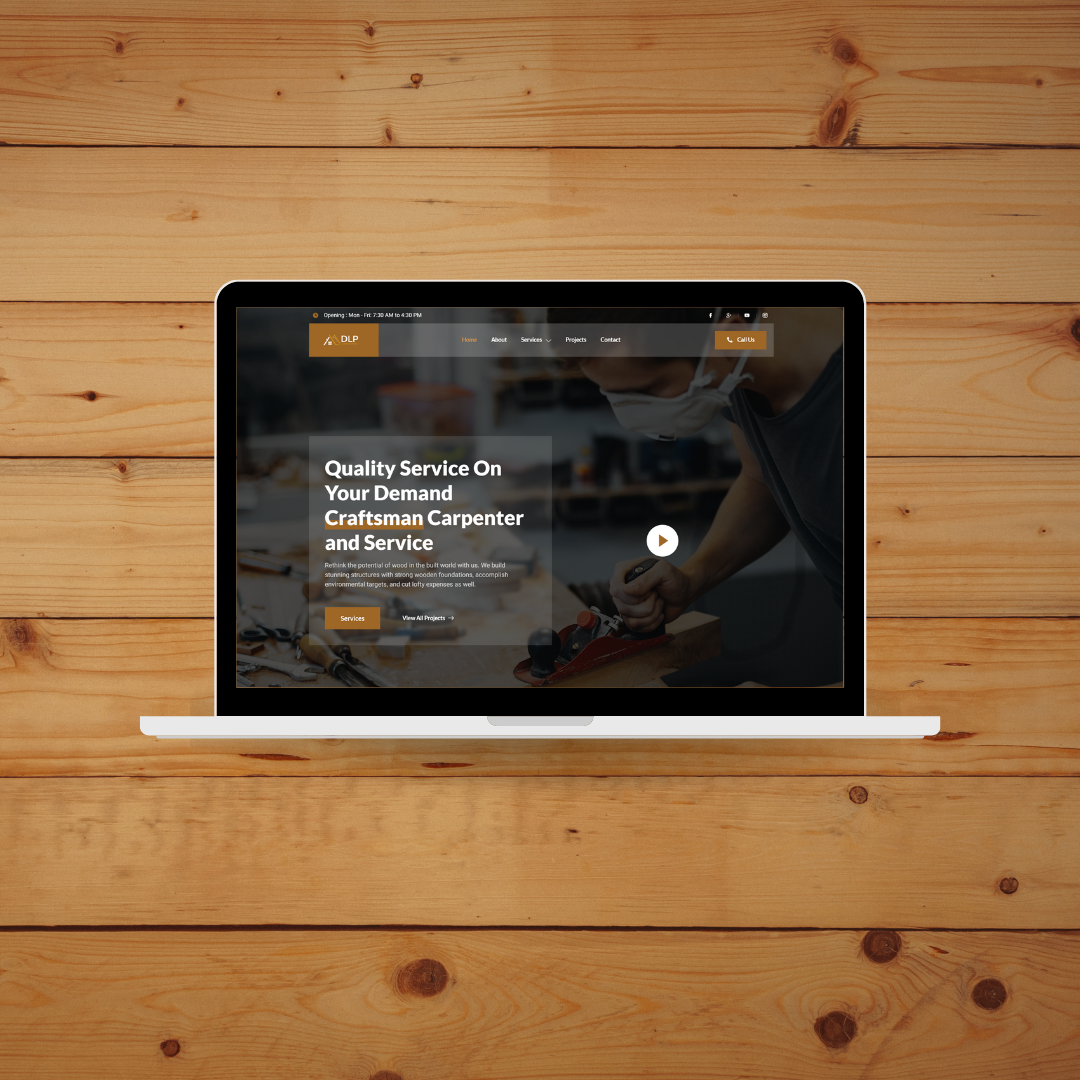
EdTech company website design
Certify Your Success
Build a career you’re proud of. Stop settling and start learning. Upskill Aura offers a world-class educational experience with recognized certifications and dedicated placement support.
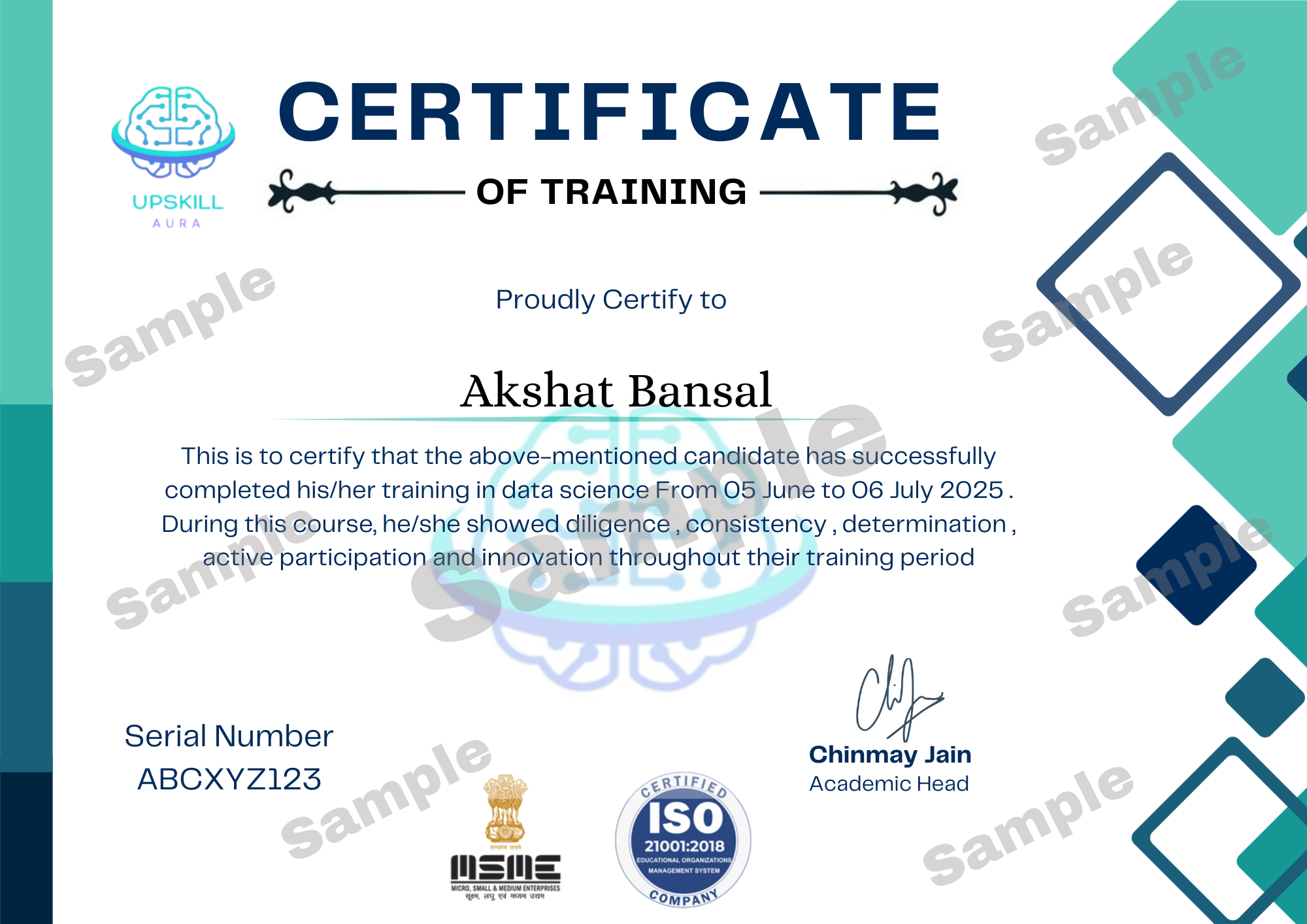
Training Completion Certificate
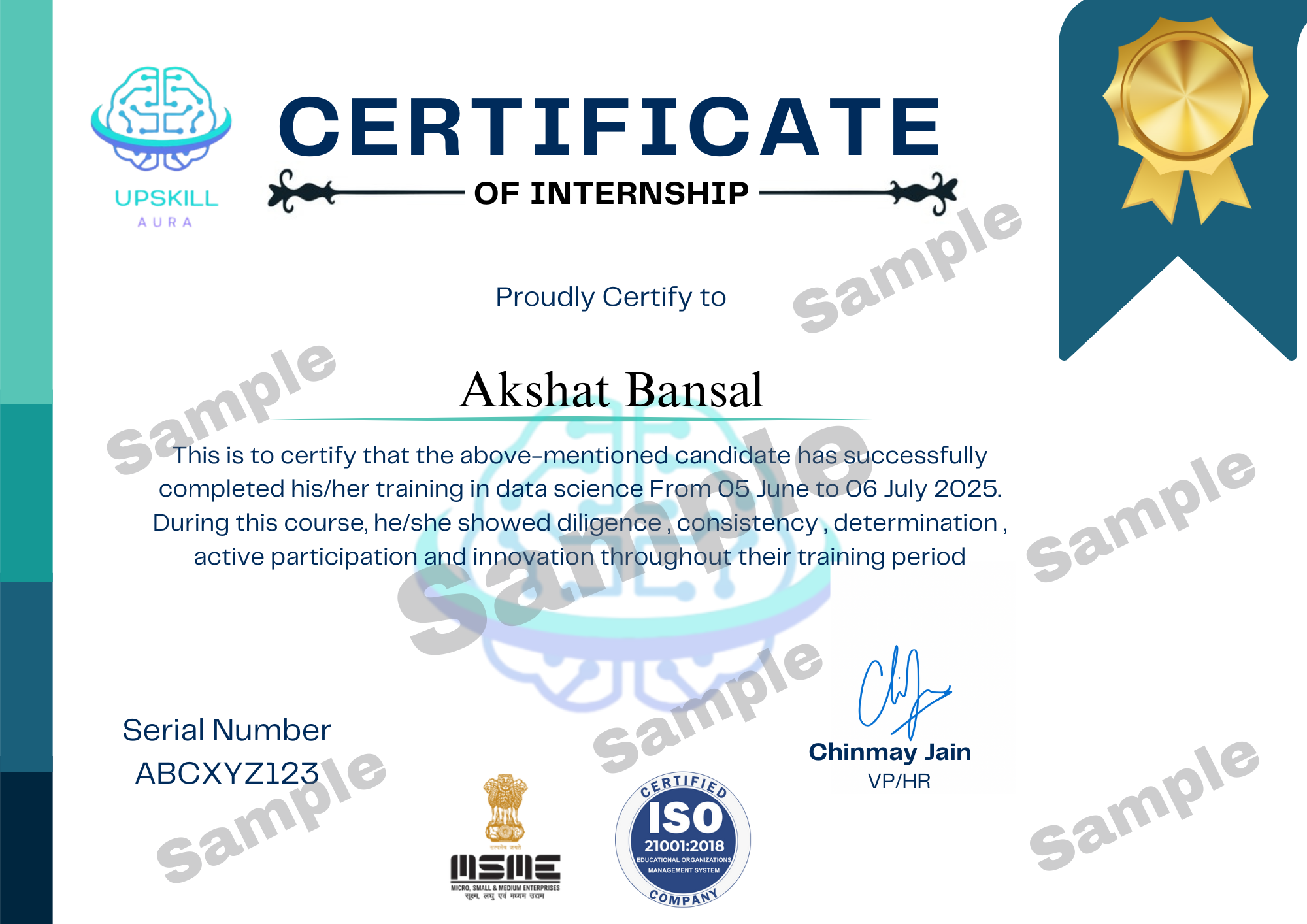
Internship Completion Certificate
Affordable & Student-Friendly Program Plans
Build a career you’re proud of. Stop settling and start learning. Upskill Aura offers a world-class educational experience with recognized certifications and dedicated placement support.
Foundation
Learn at your own pace- Recorded Sessions
- Real-Time Projects
- Doubt Clearing Session
- Certifications
- LMS Access
Mastery
- All Foundation Benefits
- 15+ Hours of Live Session
- Mentor Support
- LMS Access
Leadership
- All Foundation + Mastery Benefits
- 22+ Hours of Live Sessions
- Interview Assistance
- Placement Guidance
- LMS Access
Learn Directly from the Best: Our Industry-Expert Mentors
Akshit Goyal
Prinicipal Business Analyst

Sanjeev Mishra
Software Developement Engineer

Shivam Upmanyu
Techincal Architect

Subrata Patra
Design Manager

Vinit Sharma
Senior Data Scientist

Hear It From Our Alumni
Amar Upadhyay
Data Analytics
The live interactive classes and mentorship from industry experts were incredible. I didn't just learn theory; I built a portfolio of projects that employers actually noticed. Highly recommend Upskill Aura for anyone serious about their career.

Amol Gupta
Data Science
I was able to pivot my career into tech thanks to the recognized certification and structured curriculum. The course content was completely up-to-date with industry standards, which gave me the confidence to apply for senior roles.

Anirudh Sharma
Finance
The emphasis on hands-on projects and the dedicated placement support truly set Upskill Aura apart. I landed interviews quickly with their hiring partners and secured my dream job just two weeks after completing the program.

Anup Dhumne
Full Stack
From the quality of the study material to the responsive query sessions, everything was top-notch. It was a high-value investment that immediately resulted in a 35% salary hike in my current job. Thank you, Upskill Aura!

Kushal Singh
Digital Marketing
The Digital Marketing course from Upskill Aura completely changed how I handle online campaigns. The lessons were practical, mentors were supportive, and within weeks I boosted leads by 40%. One of the best learning investments I’ve made real skills, real results!

Opportunities to Work at Upskill Aura
Frequently Asked Questions (FAQs)
Build a career you’re proud of. Stop settling and start learning. Upskill Aura offers a world-class educational experience with recognized certifications and dedicated placement support.
You’ll engage with real-world projects tailored to your specialization, building a portfolio that showcases your practical skills to employers.
Yes, our courses are designed to accommodate beginners, with foundational modules that build your skills from the ground up.
UPSKILLAURA offers a blend of self-paced content and live sessions scheduled to fit around your personal and professional commitments.
Absolutely. Our ISO-recognized certificates carry global credibility, helping you advance your career or education.
Students get access to one-on-one mentorship, community forums for peer interaction, and dedicated technical support.
We provide LinkedIn profile optimization, interview coaching, and placement guidance tailored to your field and goals.
Yes. Once you complete pre-registration by paying ₹1,000, you will get access to a demo session allowing you to experience the course quality and teaching style before fully enrolling.